

As FTTH (Fiber to the Home) deployment continues to expand globally, telecom operators and ISPs are using various fiber distribution enclosures to support different stages of the optical distribution network (ODN). Among the most commonly used terms are CTO, MST, FAT, and FDB.
Although these products are all related to fiber access and distribution, they are not the same. Each device is designed for a specific role within FTTH architecture, from backbone fiber distribution to subscriber drop cable connection.
Understanding the differences between CTO, MST, FAT, and FDB is critical for selecting the right FTTH distribution hardware, improving deployment efficiency, and reducing long-term maintenance costs.
CTO vs MST vs FAT vs FDB
| Product | Full Name | Main Function | Typical Application |
|---|---|---|---|
| CTO | Cierre Terminal Óptico | Plug-and-play subscriber access | LATAM FTTH deployment |
| MST | Multiport Service Terminal | Hardened multiport access terminal | North American FTTH |
| FAT | Fiber Access Terminal | Subscriber drop cable connection | General FTTH access |
| FDB | Fiber Distribution Box | Fiber distribution and splitter management | MDU and distribution layer |
Although these products sometimes overlap in functionality, their structure, connector type, deployment method, and network role are quite different.
Why FTTH Networks Use Different Distribution Hardware
Modern FTTH networks are divided into multiple layers:
Feeder Layer
Distribution Layer
Access Layer
Subscriber Layer
Each layer has different engineering requirements.
For example:
Distribution layers require fiber routing and splitter management.
Access layers prioritize fast subscriber activation.
Outdoor deployments require waterproof protection.
Quick ODN architecture requires plug-and-play connectivity.
Because of these differences, operators cannot rely on a single enclosure type for the entire network.
Instead, telecom networks combine FDBs, FAT boxes, CTO terminals, MST terminals, and fiber closures to build scalable FTTH infrastructure.
Typical FTTH ODN Structure
A standard FTTH architecture usually follows this topology:
OLT → ODF / FDH → Fiber Closure → FDB → CTO / MST / FAT → Drop Cable → ONT / ONU

Each enclosure performs a different role within the network.
| Network Layer | Typical Hardware | Main Purpose |
|---|---|---|
| Feeder Layer | Fiber Closure | Backbone splice protection |
| Distribution Layer | FDB | Fiber splitting and distribution |
| Access Layer | CTO / MST / FAT | Subscriber access |
| Subscriber Layer | Drop Cable + ONU | End-user connection |
Key Takeaway
FDBs manage fiber distribution, while CTO, MST, and FAT terminals focus on subscriber access and FTTH service activation.
What Is a CTO Box?
CTO stands for "Cierre Terminal Óptico," a term widely used in Latin American FTTH markets.
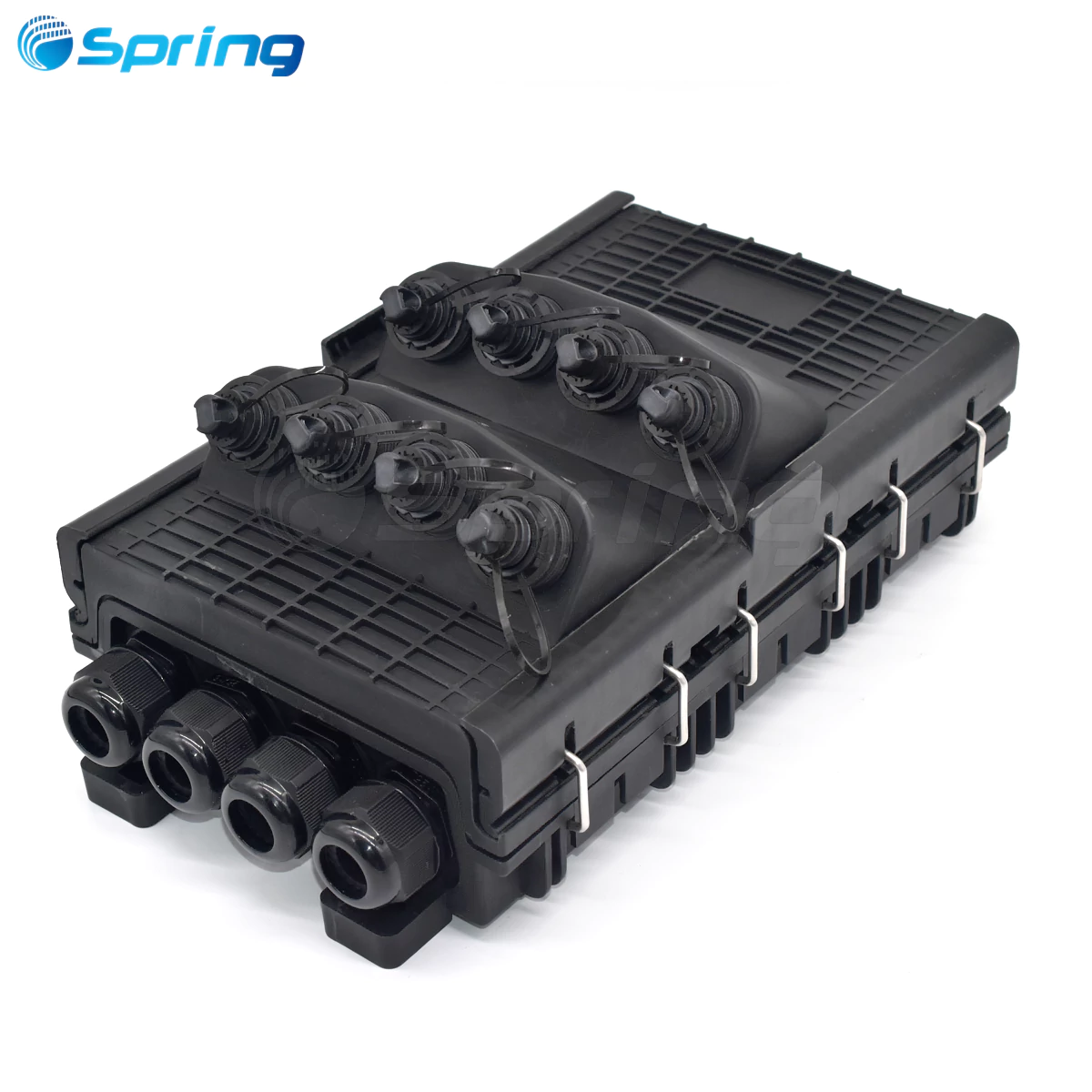
A CTO box is typically a hardened outdoor access terminal designed for pre-connectorized FTTH deployment.
Main Functions of a CTO Box
CTO boxes are mainly used for:
Plug-and-play subscriber connection
Hardened drop cable access
Fast FTTH rollout
Reduced field splicing
Most CTO terminals support:
Hardened connectors
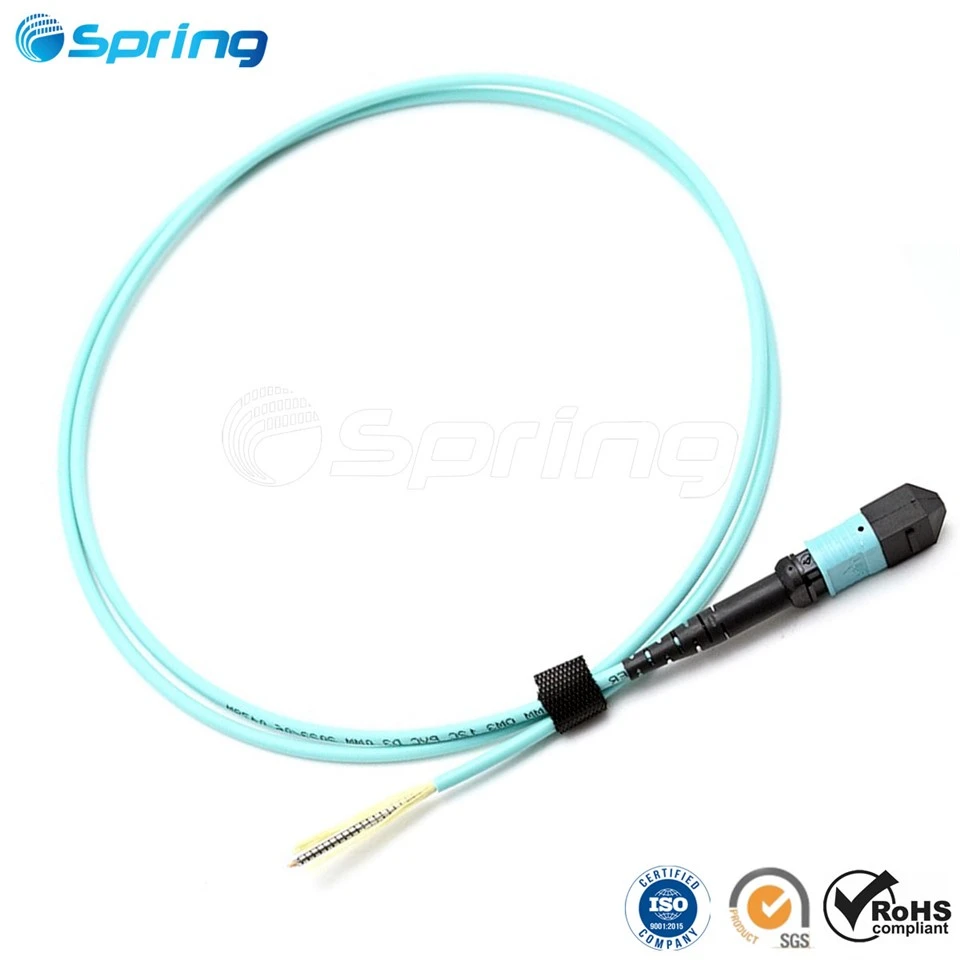
Factory pre-terminated cables
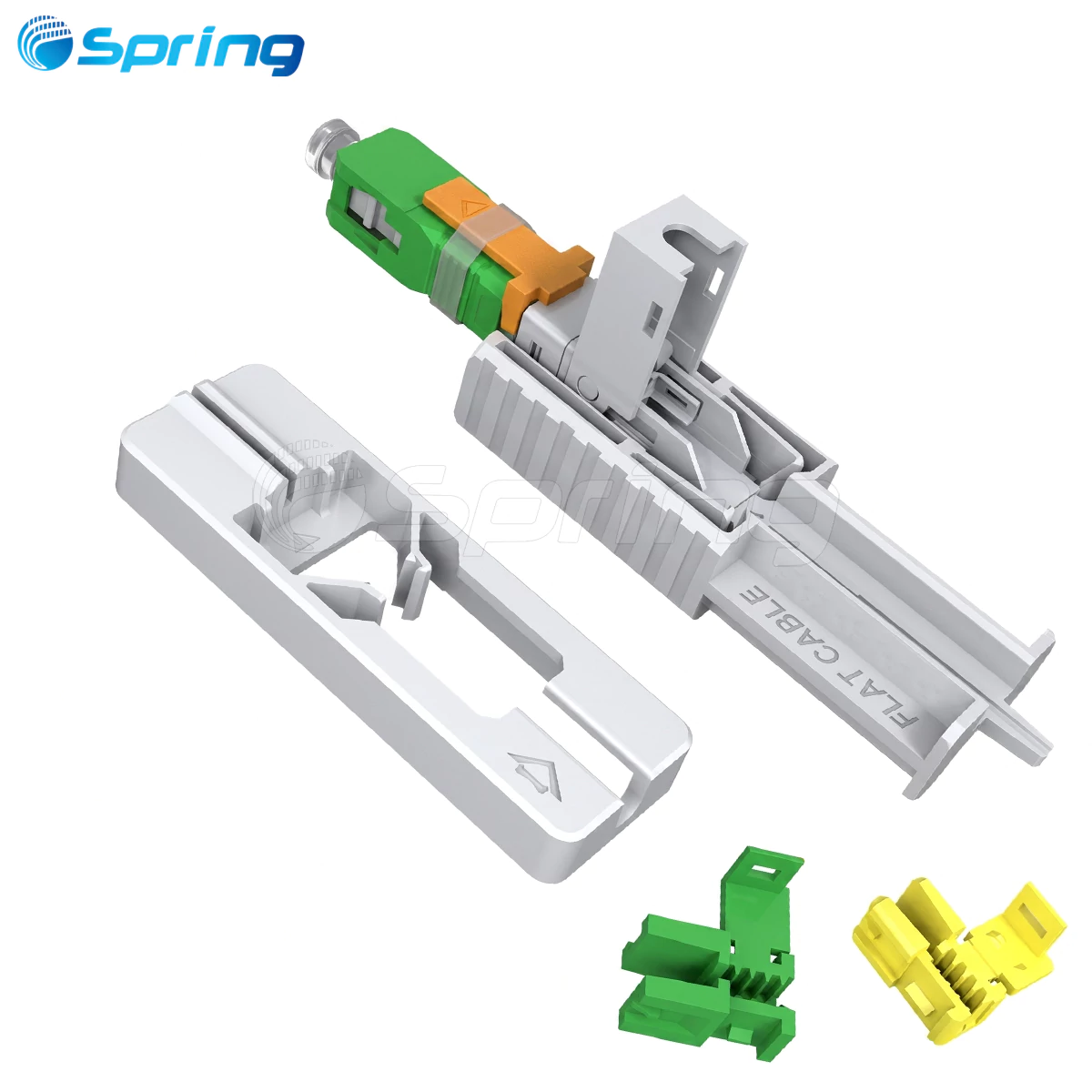
SC/APC interfaces
IP68 waterproof protection
In rural broadband projects, CTO boxes significantly reduce installation time and technician workload.
Why CTO Boxes Are Popular in LATAM
Many Latin American FTTH deployments prioritize rapid rollout across large geographic areas.
Compared with traditional splice-based deployment, CTO architecture offers:
| Benefit | Result |
|---|---|
| Faster installation | Lower labor cost |
| Reduced splicing | Faster subscriber activation |
| Plug-and-play design | Easier maintenance |
| Factory pre-assembly | Better consistency |
Real Deployment Example
In rural FTTH projects across Brazil and Mexico, operators commonly deploy hardened CTO terminals on utility poles because they simplify subscriber connection and reduce dependence on highly skilled splicing technicians.
Key Takeaway
CTO boxes are optimized for fast, pre-connectorized FTTH deployment in outdoor access networks.
What Is an MST (Multiport Service Terminal)?
MST stands for Multiport Service Terminal.
MST terminals are hardened multiport FTTH access terminals widely used in North American fiber networks.
They are especially common in pre-terminated FTTH architecture using hardened connectors such as OPTI-compatible interfaces.
Main Features of MST Terminals
Typical MST features include:
Multiple hardened drop ports
Plug-and-play installation
Factory pre-terminated connectivity
Compact outdoor design
IP68 environmental protection
Most MST terminals support:
4-port/8-port/12-port/16-port configurations
MST Deployment Scenarios
MST terminals are commonly installed:
On utility poles
Inside handholes
On aerial networks
Along suburban FTTH routes
Key Takeaway
MST terminals are hardened plug-and-play access terminals optimized for rapid subscriber activation in North American FTTH networks.
What Is a FAT (Fiber Access Terminal)?
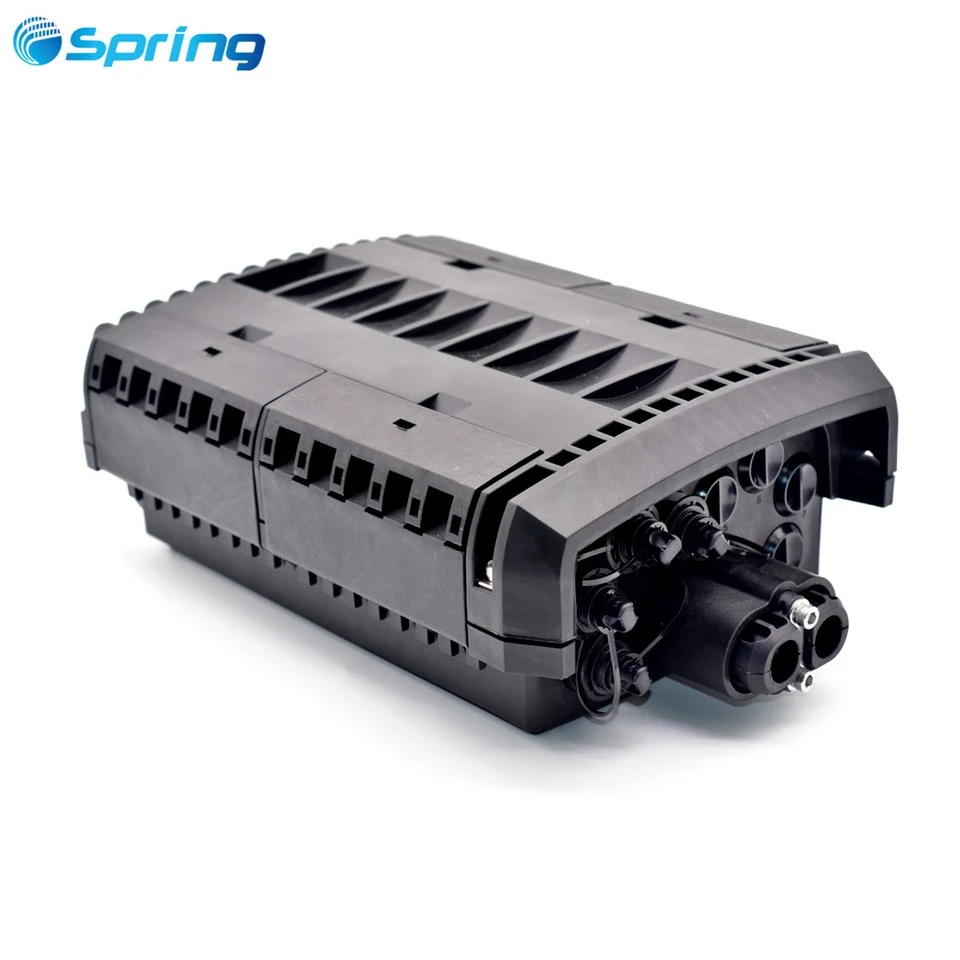
A FAT (Fiber Access Terminal) is an outdoor FTTH access enclosure designed to connect distribution fibers to subscriber drop cables.
Compared with CTO and MST products, FAT is a broader industry term and may include both traditional splice-based and pre-connectorized designs.
Main Functions of FAT Boxes
Typical FAT box functions include:
Subscriber access connection
Fiber termination
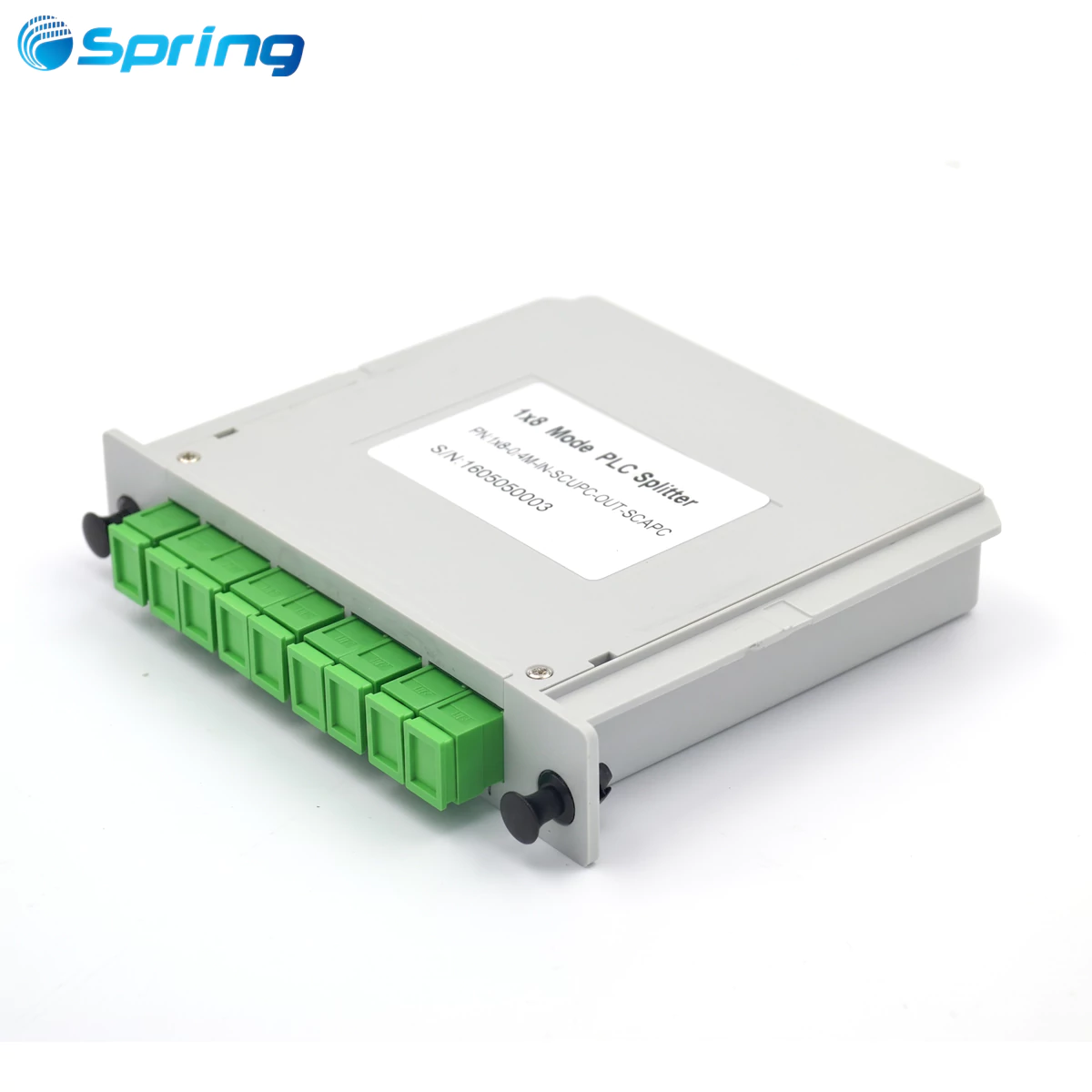
PLC splitter integration
Adapter management
Drop cable routing
Modern FAT terminals often support:
SC/APC adapters
Mini SC connectors
Hardened interfaces
PLC splitters
Typical FAT Installation Locations
FAT boxes are usually installed near subscribers, including:
Utility poles
Residential walls
Street cabinets
Community access points
In suburban FTTH projects, FAT boxes simplify future subscriber expansion and maintenance.
FAT vs CTO
Although FAT and CTO products sometimes overlap, there are still differences.
| Feature | FAT | CTO |
|---|---|---|
| Deployment Type | General FTTH access | Pre-connectorized FTTH |
| Connector Style | Adapter/splice-based | Hardened connector |
| Typical Market | Global | LATAM |
| Access Frequency | High | High |
Key Takeaway
FAT is a broader category of subscriber access terminal, while CTO is more specifically associated with hardened plug-and-play FTTH deployment.
What Is an FDB (Fiber Distribution Box)?
An FDB (Fiber Distribution Box) is a fiber management enclosure designed for optical fiber distribution and splitter integration.
Unlike CTO, MST, and FAT terminals, FDBs are primarily focused on fiber organization rather than direct subscriber access.
Main Functions of FDB
FDBs typically support:
Fiber splicing
PLC splitter installation
Fiber branching
Adapter patching
Cable management
Typical splitter ratios include:
1:8/1:16/1:32
This makes FDBs ideal for FTTH distribution layers and MDU environments.
Indoor vs Outdoor FDB
Indoor FDB
Usually installed in:
Apartment corridors
Telecom rooms
Building risers
Indoor FDBs focus on high-density fiber management.
Outdoor FDB
Commonly installed on:
Utility poles
Exterior walls
Outdoor cabinets
Outdoor FDBs require UV-resistant and waterproof designs.
Typical MDU Applications
In apartment FTTH deployment, FDBs are often installed at floor-level distribution points.
Typical topology:
Central Splitter ↓ Floor FDB ↓ Drop Cable ↓ Apartment ONU
Key Takeaway
FDBs are designed for fiber distribution and splitter management, not direct hardened subscriber access.
CTO vs MST vs FAT vs FDB: Key Differences
The following table summarizes the major differences between these FTTH distribution products.

| Feature | CTO | MST | FAT | FDB |
|---|---|---|---|---|
| Main Function | Plug-and-play access | Hardened multiport access | Subscriber access | Fiber distribution |
| Typical Layer | Access layer | Access layer | Access layer | Distribution layer |
| Hardened Connector Support | Yes | Yes | Optional | Limited |
| Splitter Integration | Optional | Limited | Yes | Yes |
| Typical Installation | Pole / wall | Pole / handhole | Pole / wall | Indoor/outdoor cabinet |
| Typical Market | LATAM | North America | Global | Global |
| Waterproof Rating | IP68 | IP68 | IP65/IP68 | IP54/IP65/IP68 |
| Subscriber Access Frequency | High | High | High | Medium |
Key Takeaway
CTO and MST focus on hardened plug-and-play FTTH deployment, FAT focuses on general subscriber access, while FDB is primarily designed for fiber distribution and splitter management.
How These Components Work Together in FTTH Architecture
In real FTTH deployment, CTO, MST, FAT, and FDB products are not interchangeable. Instead, they support different layers of the ODN.
Distribution Layer
FDBs are typically used for:
Fiber branching
Splitter management
Distribution routing
This layer connects backbone fibers to local access networks.
Access Layer
CTO, MST, and FAT terminals are usually installed at the access layer.
Their main functions include:
Subscriber connection
Drop cable management
Fast FTTH activation
Subscriber Layer
Finally, drop cables connect the terminal to the subscriber ONU or ONT.
This segment directly affects:
Installation speed
Maintenance efficiency
Customer activation time
Key Takeaway
Efficient FTTH deployment depends on assigning the correct enclosure to the correct network layer.
Pre-Connectorized vs Traditional Splice-Based FTTH
As FTTH rollout accelerates, operators increasingly compare pre-connectorized architecture with traditional splice-based deployment.
Advantages of Pre-Connectorized FTTH
Plug-and-play FTTH solutions provide several advantages:
| Advantage | Operational Benefit |
|---|---|
| Faster installation | Reduced rollout time |
| Lower labor dependency | Fewer splicing technicians |
| Factory pre-assembly | Better consistency |
| Easier maintenance | Faster troubleshooting |
This approach is especially popular in:
Rural broadband deployment
Quick ODN projects
Large-scale ISP rollout
When Fusion Splicing Is Still Preferred
Traditional splice-based deployment remains important when:
Networks require customized routing
Existing infrastructure is complex
Budget constraints are strict
Long-distance backbone links are involved
In practice, many operators combine both architectures within the same FTTH network.
How to Choose the Right FTTH Distribution Hardware
Choosing the correct FTTH enclosure depends on deployment environment, network scale, subscriber density, and maintenance strategy.
Rural FTTH Deployment
Recommended solutions:
CTO Box
MST Terminal
Hardened FAT
These products simplify field installation and reduce labor cost.
Apartment and MDU Deployment
Recommended solutions:
Indoor FDB
Splitter distribution box
Compact high-density fiber management systems
Quick ODN Architecture
Quick ODN deployment usually relies on:
Pre-terminated drop cables
OPTI-compatible terminals
Plug-and-play access terminals
Harsh Outdoor Environments
For challenging outdoor deployment, operators should prioritize:
IP68 protection
UV-resistant materials
Corrosion resistance
Impact-resistant housing
Common Mistakes in FTTH Distribution Design
Even experienced installers sometimes make incorrect hardware selection decisions.
Using FDB as a Subscriber Access Terminal
FDBs are optimized for fiber distribution, not frequent hardened subscriber access.
This may lead to:
Difficult maintenance
Congested cable routing
Poor accessibility
Overloading FAT or CTO Capacity
Failing to reserve spare ports for future expansion can create scalability problems later.
Ignoring Waterproof Ratings
Outdoor FTTH deployment requires proper environmental protection.
| Rating | Typical Application |
|---|---|
| IP65 | Basic outdoor use |
| IP68 | Harsh outdoor FTTH deployment |
Ignoring environmental protection standards can significantly reduce long-term network reliability.
Future Trends in FTTH Access Hardware
As FTTH and 5G infrastructure continue expanding, access hardware is evolving rapidly.
Hardened Connector Systems
Hardened connectors are becoming increasingly popular because they:
Reduce field installation time
Simplify maintenance
Improve deployment consistency
Plug-and-Play ODN
Pre-connectorized ODN solutions continue growing because operators want:
Faster deployment
Lower labor dependency
Reduced operational cost
Higher-Density Subscriber Access
Future FTTH networks will require:
Higher fiber density
Smaller terminal size
Flexible splitter integration
Modern FTTH hardware is becoming increasingly modular and scalable.
FAQ
What is the difference between CTO and MST?
CTO is a term mainly used in Latin America, while MST is more common in North America. Both usually refer to hardened plug-and-play FTTH access terminals.
Is FAT the same as MST?
Not exactly. FAT is a broader category of subscriber access terminal, while MST specifically refers to hardened multiport terminals.
Can an FDB replace a FAT?
FDBs can support fiber distribution, but they are not optimized for frequent subscriber access like FAT or CTO terminals.
Which solution is best for Quick ODN deployment?
CTO, MST, and hardened FAT terminals are commonly used in Quick ODN architecture.
Which FTTH box is best for outdoor deployment?
The answer depends on the application. CTO and MST terminals are ideal for plug-and-play access, while FDBs are better for distribution management.
Recommended FTTH Distribution Solutions
When selecting FTTH distribution hardware, operators should evaluate:
Port capacity
IP protection level
Splitter compatibility
Hardened connector support
SC/APC compatibility
OEM customization capability
Typical recommended products include:
CTO Box
MST Terminal
FAT Box
Fiber Distribution Box
Fiber Splice Closure
For modern FTTH projects, combining reliable fiber distribution architecture with plug-and-play access terminals can significantly improve deployment efficiency while reducing long-term maintenance costs.