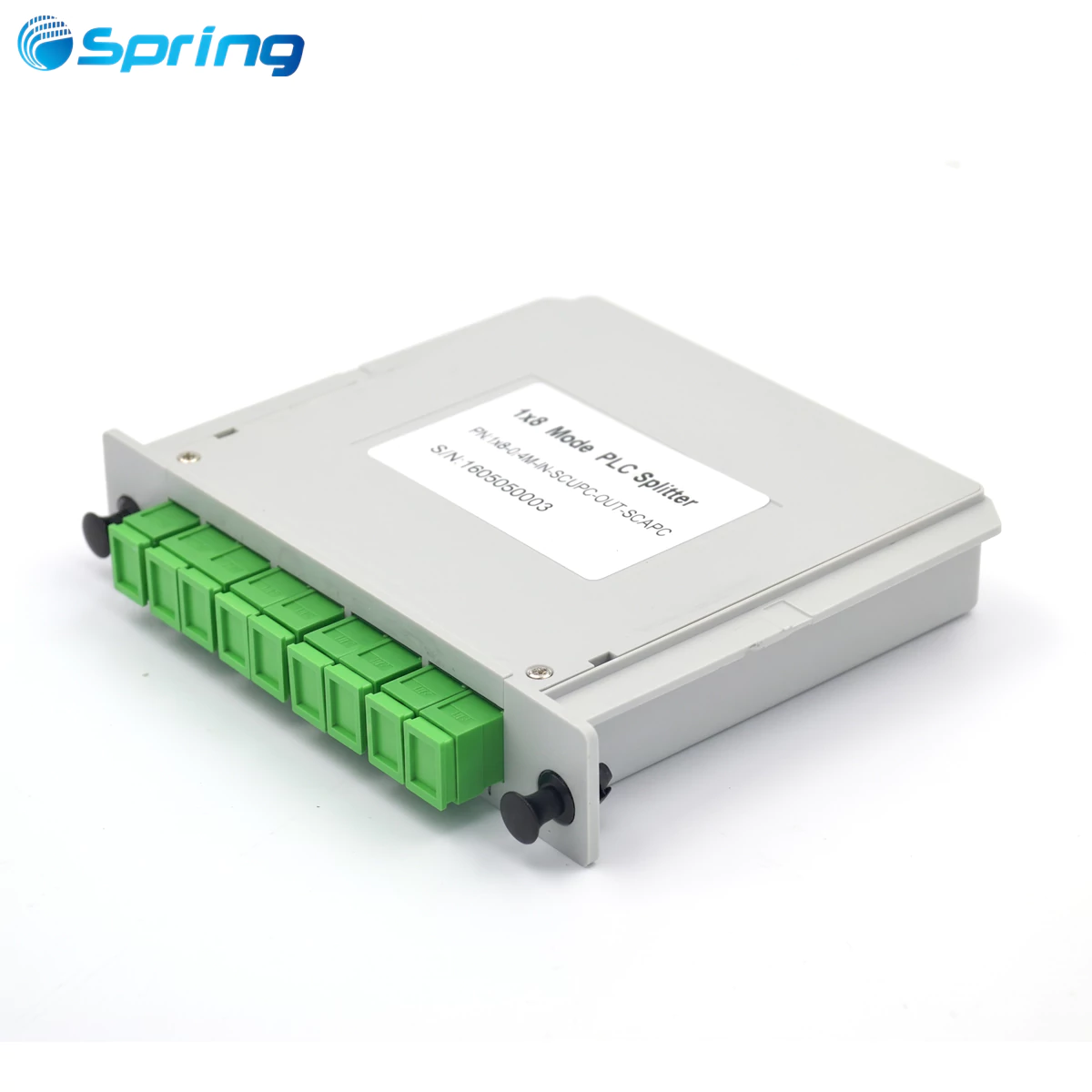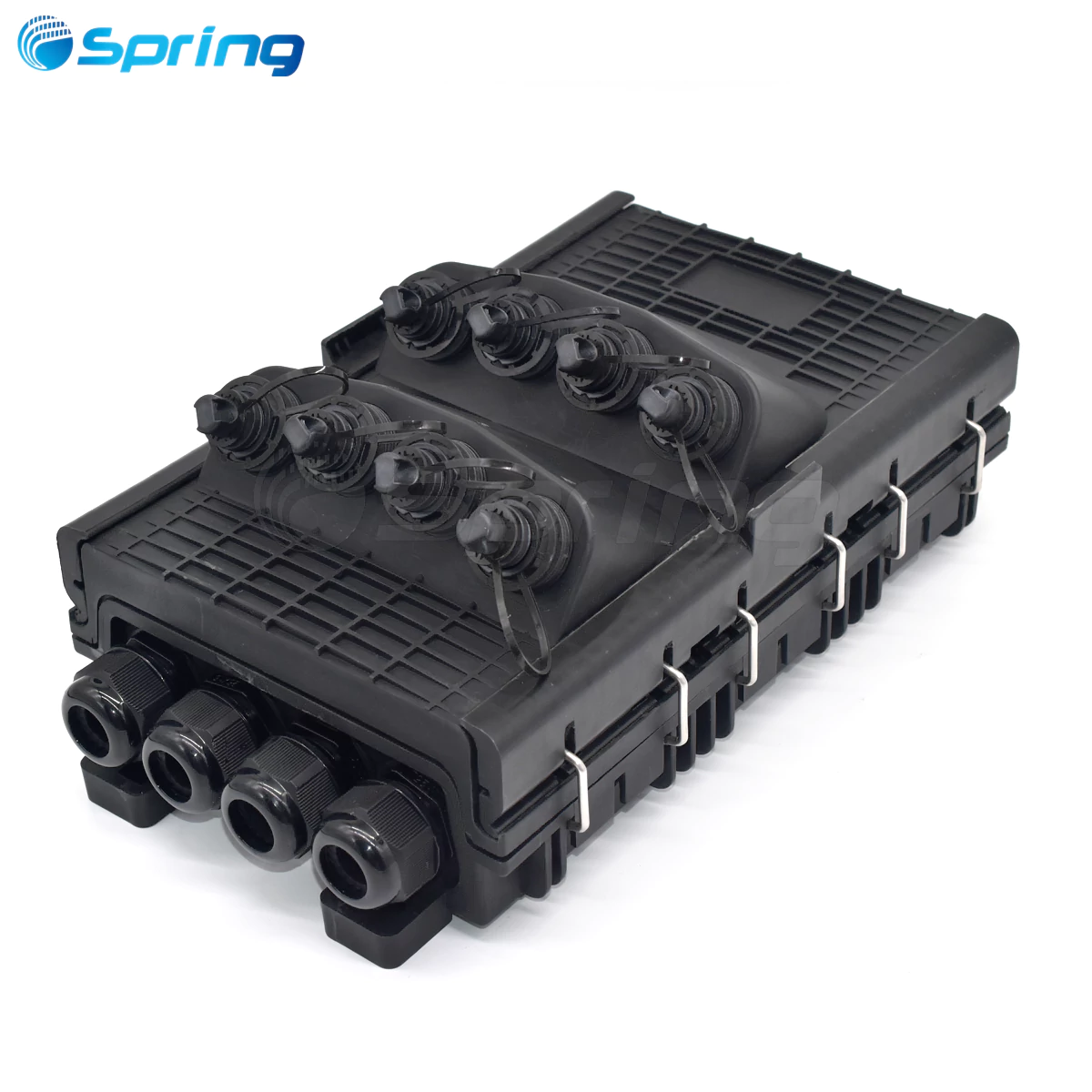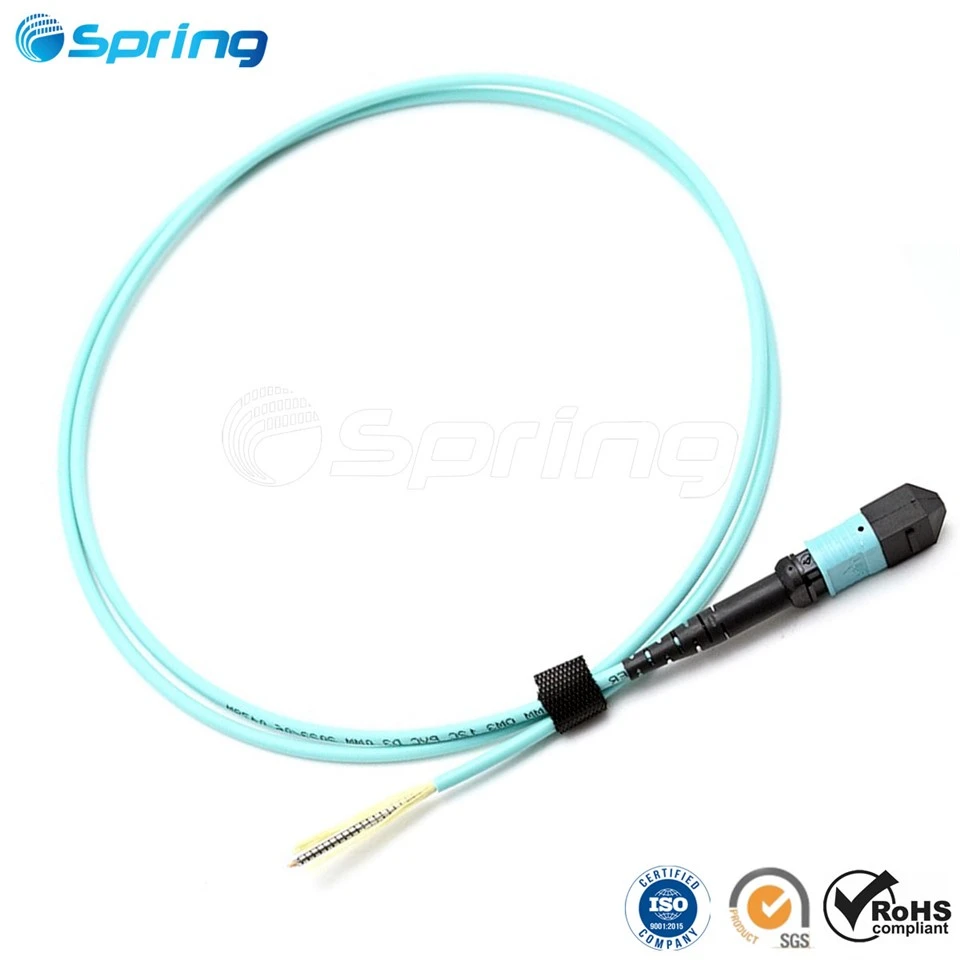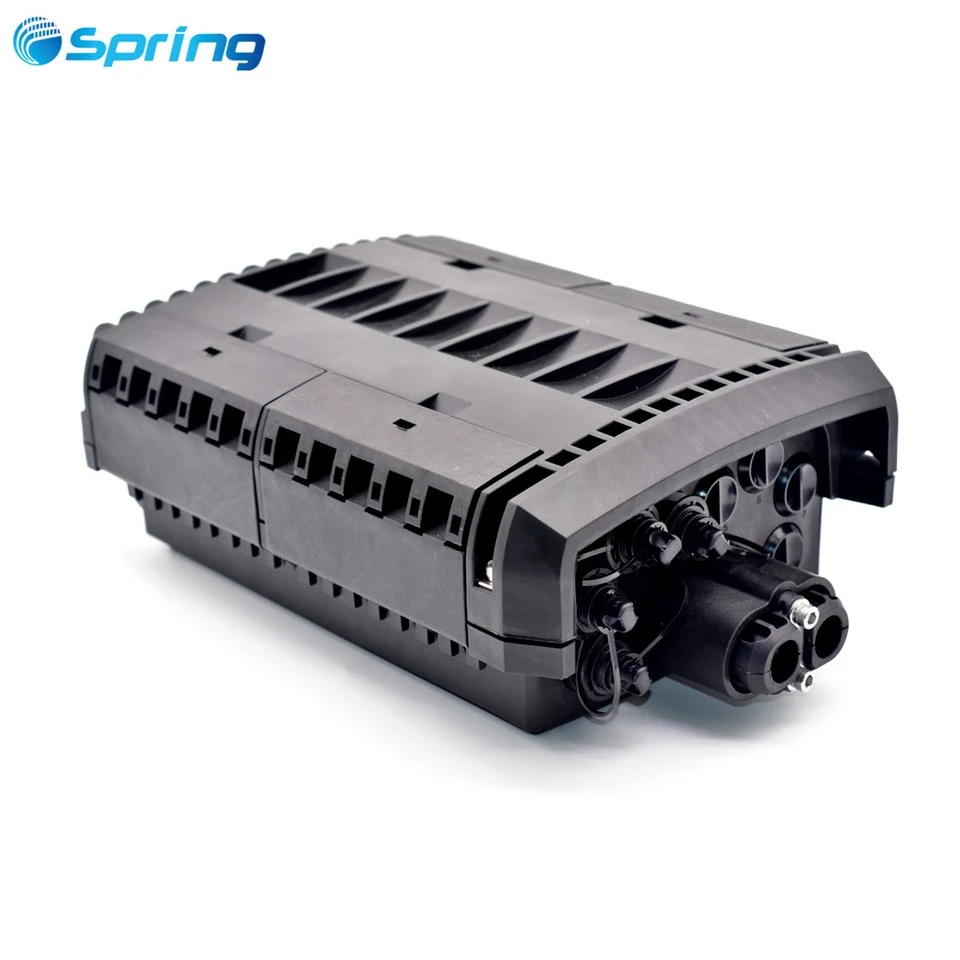


What is an Optical Distribution Frame?
An Optical Distribution Frame (ODF) is a key piece of fiber optic communications equipment. It is used for the termination, distribution, and management of fiber optic cables. It is used to connect backbone networks with local trunk lines that run through distribution centers and/or central offices, thus enabling complete control over every aspect of your network from one location.
Connecting patch cords ensures flexible fiber connections and makes it easier for the organization, distribution and scheduling of fiber optic links.
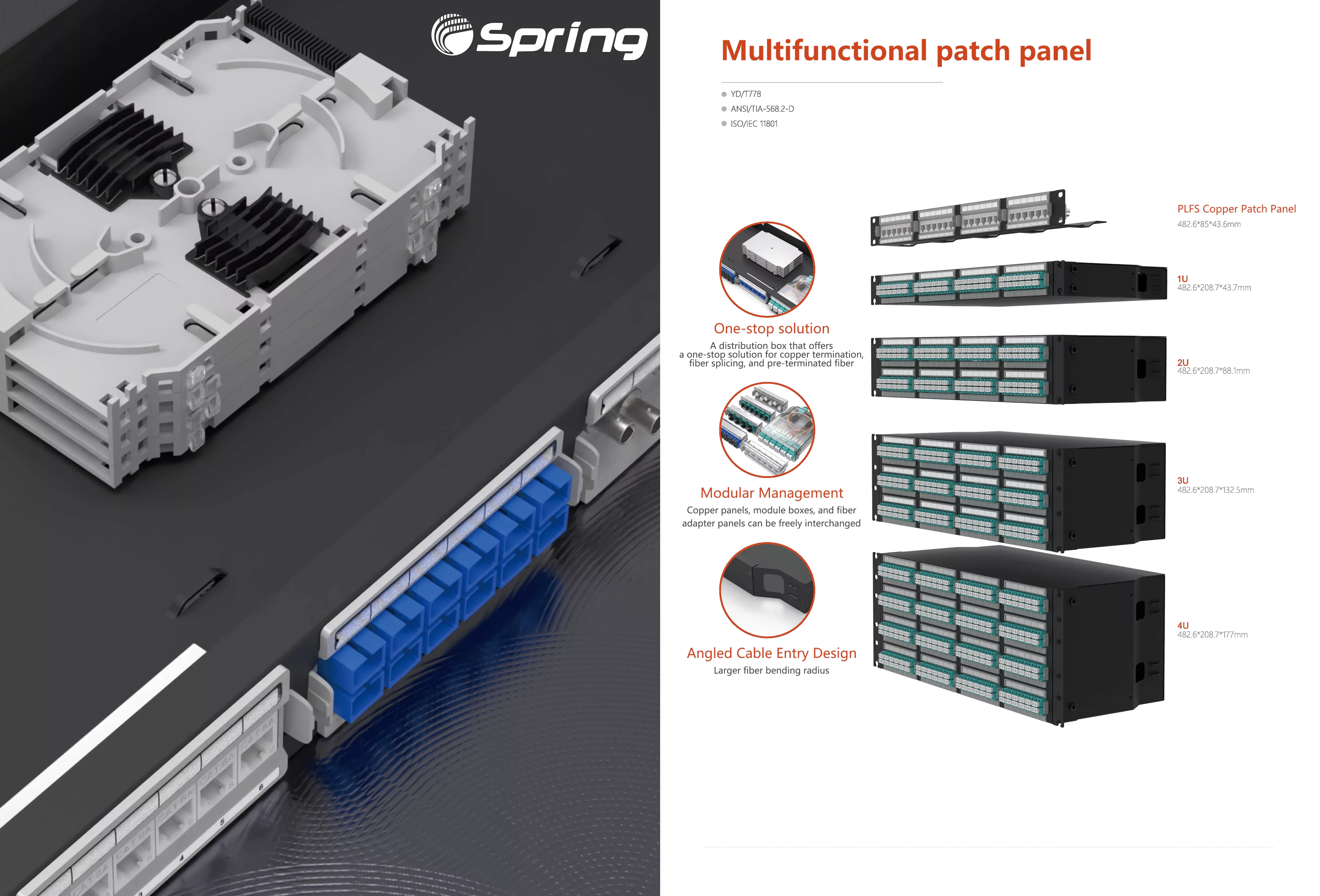
ODF integrates cable fixing, protection, termination, and management. They can be installed separately as stand-alone distribution frames or combined with digital and audio distribution units in a cabinet to form a complete system. With adjustable configurations, simple installation, easy maintenance, as well as efficient management, ODFs have become indispensable equipment on fiber-optic communication networks, in particular in some areas of relay points such as terminals and relay points for fiber splicing or routing access.
Elements of an Optical Distribution Frame
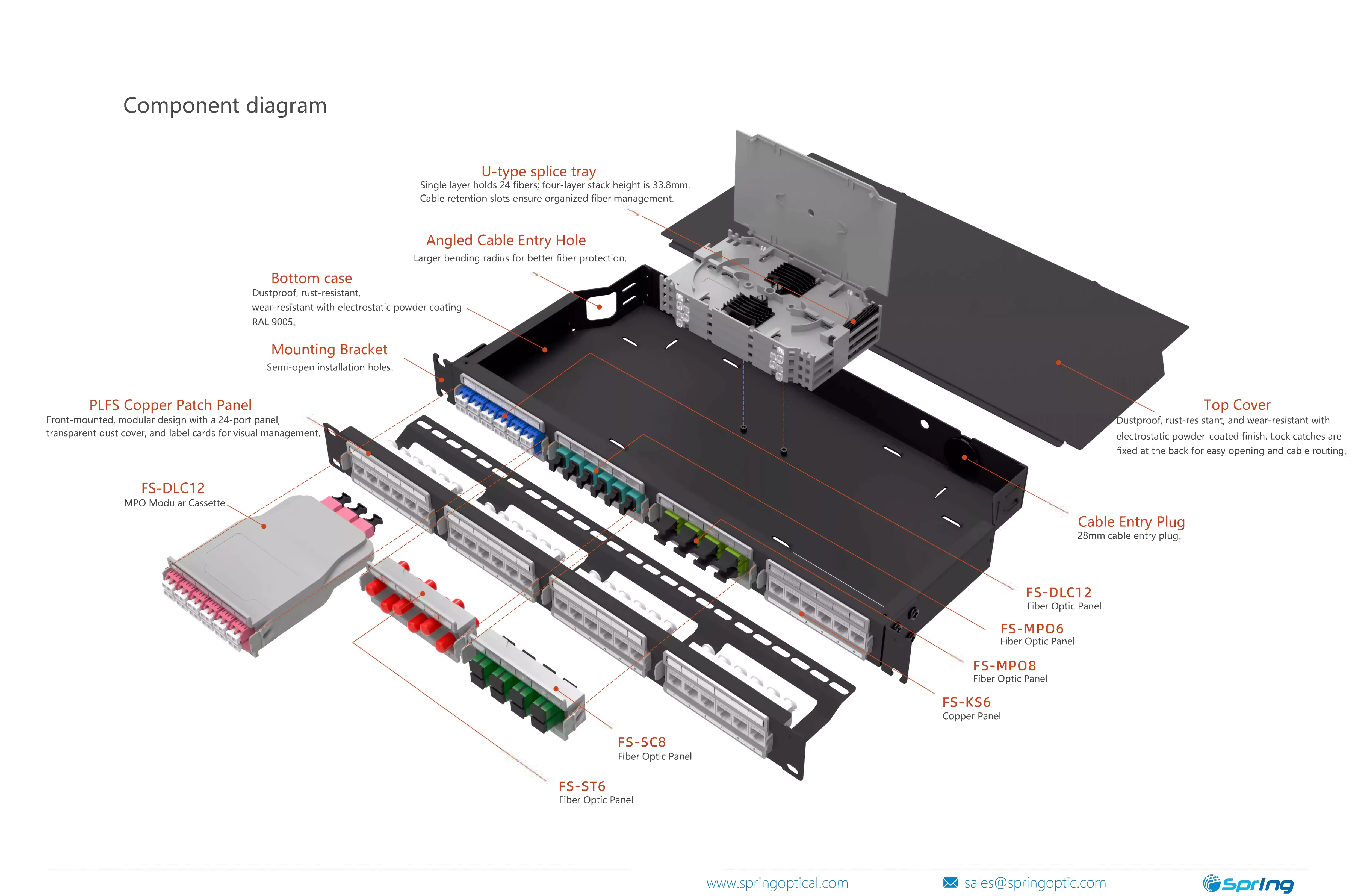
A typical ODF consists primarily of a few principal parts.
1. Frame: Made from high-strength and corrosion-resistant metals, the main body forms one side of the ODF. For small server rooms, fixed frames are ideal, but slide-out frames are better suited to large-scale data centers, where they create more space in front for easy access and maintenance as a result. Frame
2. Module: A module in which fiber splice trays, connections, and panels can be linked together at will to meet network requirements. Modules are typically composed of high-strength plastics or metals and are easy to assemble.
3. Panel: This is what connects the fiber optic cables to the ODF. Equipped with multiple fiber ports, it allows completely customized cabling connections.
4. Fiber Optic Distribution Tray
It is used for managing and distributing fiber signals into the home. It is made of aluminum material or flame-retardant plastic for a long lifespan and stability.
5. Fiber Optic Cable Interface
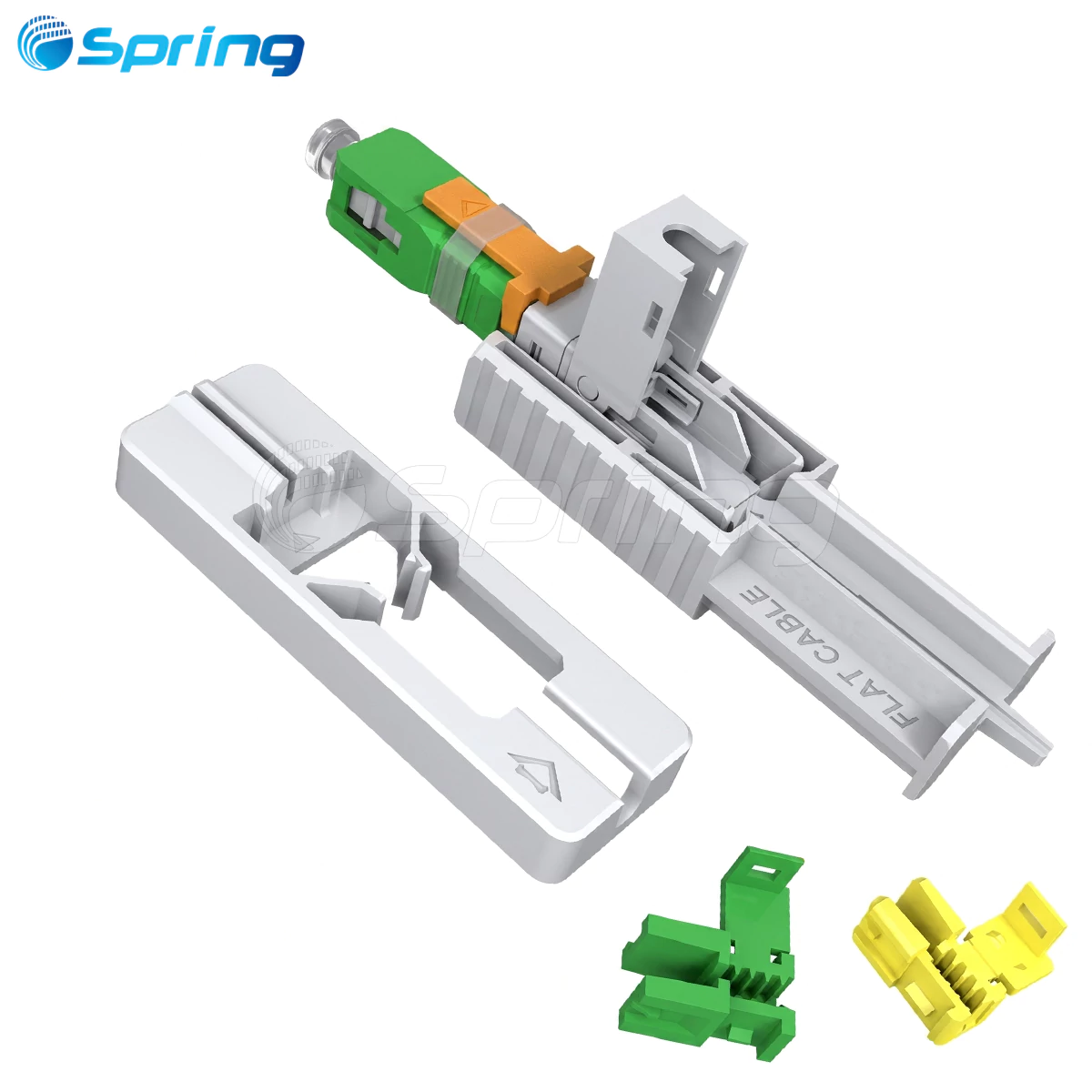
This interface links the incoming fiber cables with the panel. Common types include FC, SC, or ST connectors.
How ODF Works
This article will explain what ODFs are, how they work, and which type is best for your needs.
Distribution
From the ODF, external optical fiber cables are spliced and routed to different equipment through patch panels. This improves maintenance and system reliability.
Connection
The ODF functions as a central interlinking point for all fibers involved. It provides an easy way to bridge connections between different fibers and equipment by patching them together.
Management
Each fiber optic connection is clearly marked to simplify managing and maintaining large fiber optic networks.
Types of Optical Distribution Frames
ODF, designed for use in different environments and with varying capacity requirements, comes in several distinct varieties.
Rack-Mounted ODF
This product, built from cold-rolled steel (1.2mm thick) with an anti-corrosive white coating finish, can support six 12-core splice trays. It is perfect for fitting into outdoor cabinets or junction boxes.
Fixed Type Patch Panels
This wall mount or 19" rack unit is pre-loaded with 12 or 24-core fiber connectors and pigtails (splices). The cables are spliced at the back and connected at the front.
Slide-Out Type Patch Panels
The sliding mechanism makes cable wiring and maintenance easy. This type of patch panel, widely used in data centers, will also support 96-core LC pigtails or 192-core high-density MPO-LC pigtails, and can be modularly enlarged.
Wall-Mounted ODF
Designed for FTTH/FTTB applications, these ODFs include locking mechanisms to secure internal splices. With a surface that is painted milky white for integral aesthetics and longevity (15–20 years indoors).
Key Features of ODF
Standard Unit Size: 19 inches for standard mounts and wall installs.
High-Quality Materials: Thick steel, flame-retardant plastic trays, large diameter coil rings with a minimum bending radius of 40 mm.
Slide-Out Design: The slide-out design makes it easy to splice in and install.
How to Utilize an Optical Distribution Frame
Installation
Install the ODF with screws or clips into a cabinet, a rack or fix it on the wall. Make sure they are placed correctly to be safe and look good.
Wiring
Fiber optic cables can be connected to the interfaces of the panel and spliced to pigtails, or distributed through the trays. Good cables maintain high-frequency signal quality and integrity.
Commissioning
Verify the quality and stability of the fiber connection with optical power meters and other test units. All connections can be modified according to test results.
ODF vs Patch Panel: What's the Difference?
|
Feature |
Optical Distribution Frame (ODF) |
Patch Panel |
|
Function |
Comprehensive cable termination, splicing, protection, and management |
Primarily used for patching and connecting fibers |
|
Structure |
Large frames with splice trays, storage units, and patch panels |
Simple panels with connector ports |
|
Capacity |
Supports hundreds to thousands of fiber cores |
Typically supports fewer fiber connections |
|
Applications |
Telecom centers, backbone networks, data centers |
Small to medium enterprises, server rooms |
|
Maintenance |
Requires more careful management and professional handling |
Easier maintenance and reconfiguration |
ODF is designed for complex, high-density fiber networks requiring full-scale management, while patch panels offer a simpler, more compact solution for smaller systems.
How to Select a Suitable Optical Distribution Frame
Choosing the right ODF is crucial for longer-term network efficiency and reliability. Here are a few guidelines to help you choose an appropriate ODF:
Cores for Optical Fiber Capacity
When assessing your current and future needs as well, see how an ODF. Have you checked its put-out installation space yet? If not installed this ODF by one of the methods below.
Installation Position Environment
For wall-mounted ODFs, select ones that are specialized for small spaces and have a special mounting method. For data centers or large buildings, the best kind is rackmounting type; if even those cannot be obtained, use modular systems instead--though the latter will be more expensive in installation cost.
Compatibility of the Connector
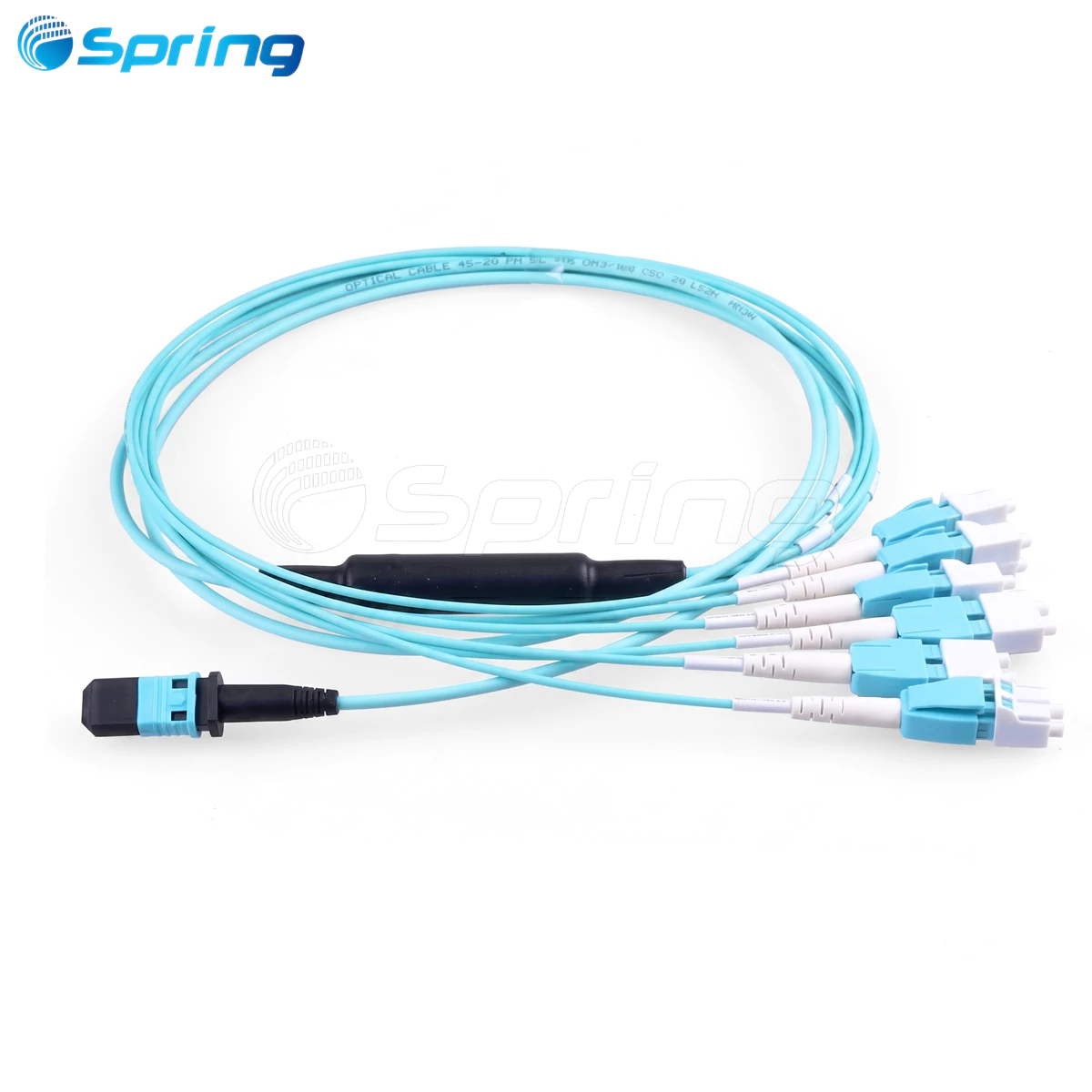
Make sure ODF can provide the necessary connector types, such as LC, SCFC, or MPO. Multiple types may include straight-through connectors and hybrid fiber cables; some fiber patch cords contain two different lengths for both types of this connector.
Maintenance Convenience
It is much simpler to maintain fiber routing and its equipment with an ODF that rolls out or tilts up.
Material and Durability
High-quality steel frames plus flame-retardant plastics give structural strength, corrosion resistance, and long service life.
Protection Features
If the ODF will be exposed to harsh environments, select a unit with waterproof and dustproof designs.
Choosing an ODF that not only meets your present needs but will also sustain future development involves a systematic study of these factors.
ODF Acceptance Criteria
Outside appearance and assembly inspection: no smudges, oil films or damages, all fasteners tight and not moving; no trail of rust nor burrs and surfaces without spots.
Dimensional check: same size as technical drawings.
Screen printing adhesion: no loose spots after a tape-adhesion test.
Accessory performance:
--UPC connectors: Insertion loss≤0.15dB, return loss>50dB.
--APC connectors: Insertion loss≤0.15dB, return loss>60dB.
Electrical performance:
1000MΩ(500VDC+50V) insulation resistance.
Withstand voltage(3000VDC/min)without breakdown or arc.
Packing requirements:
Accurate quantity and specification matching the packing list.
Protective internal and external packaging with clear labels and precaution markings.