

Author: Hayden

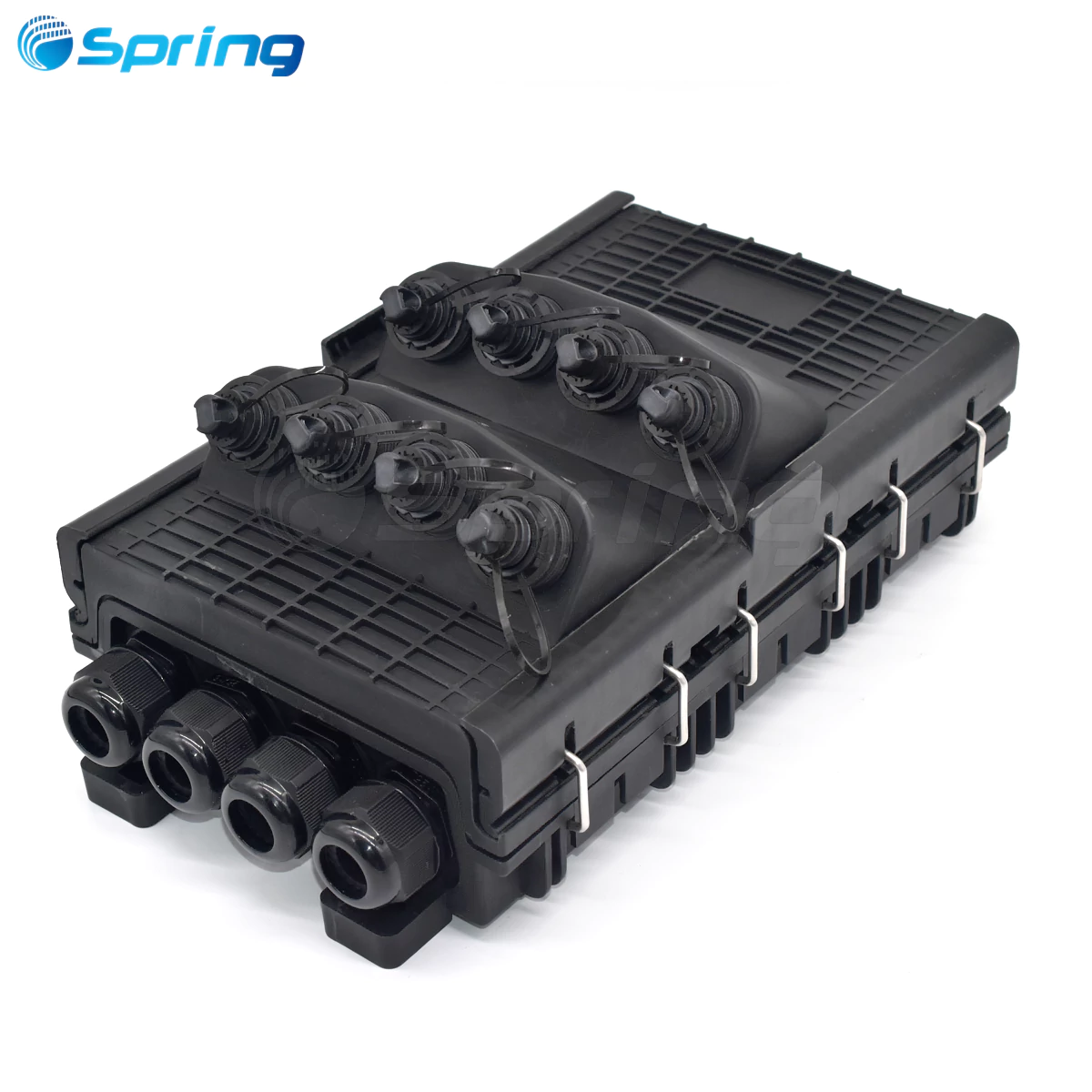
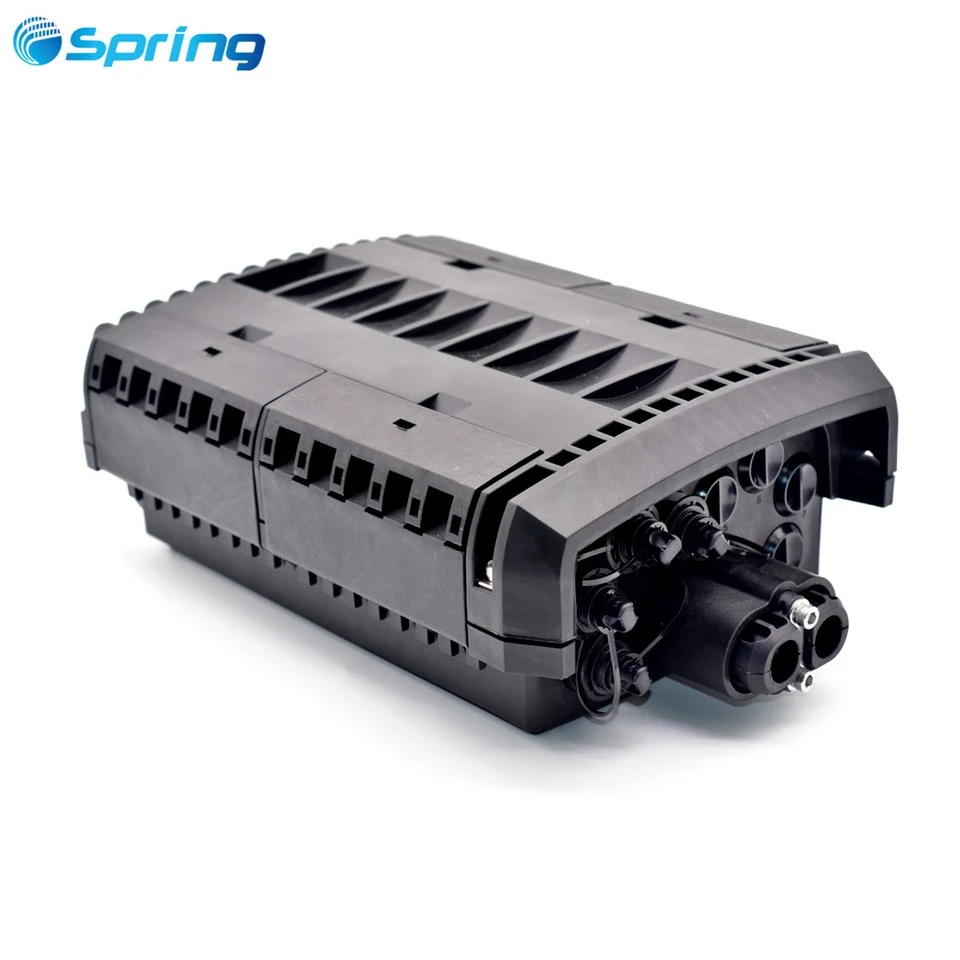
The MODB Multi Operator Distribution Box 48FO is a high-capacity, multi-operator fiber distribution enclosure widely used in FTTH building networks. This guide provides the full installation workflow for both the Client Module (Riser Cable Installation) and the Operator Module (Feeder Cable Installation), along with detailed instructions for PLC Splitter installation and patch cord routing between modules. All installation steps provided below are based on the original MODB 48FO installation manual.
1. Materials Included in the MODB 48FO Package (Client Module)
1× MODB – Multi Operator Distribution Box 48FO
1× Drill Template
1× Accessory Bag:
3× 300 mm cable ties
24× 100 mm plastic cable ties
1× Wall fixing kit
48× Fiber splice protectors
1 m fiber protection tube
1× Triangular Key
2. Riser Cable Installation (Building Module)


Step 1: Drill Mounting Holes
Use the paper drill template to mark and drill holes for both the building module and the operator module.
Step 2: Open the MODB
Use the triangular key to open both doors of the MODB and mount the box onto the wall with the supplied rubber stopper + washer screw fixing kit.

Step 3: Prepare the Slide Plate
Remove the slide plate by releasing the locking screw and anchor tab as shown in the installation images.

Step 4: Riser Cable Access
The MODB provides four riser cable access points: A, B, C, and D.
Access B and C:
Remove the plastic pressure bar → remove the rubber seal → cut the solid center of the rubber → insert riser cable.
Access A and D:
Cut the rubber seal at the indicated point and insert the cable directly.

Step 5: Fix the Strength Member
Clamp the riser cable cover. Use foam tape if required to increase the cable diameter. Fix the strength member using the metal plates.

Step 6: Manage Micro-Modules
Store backup micro-modules inside the sliding plate using tie wraps as needed.
Insert the sliding plate into the MODB, fit it into the main body opening, anchor it with the clip, and secure the locking screw.

Step 7: Route Micro-Modules
Guide micro-modules to the splice trays through the designated fiber guides.
Step 8: Protect the Micro-Module
Wrap the micro-module using foam tape.

Step 9: Secure to Splice Tray
Tie micro-modules onto the tray with cable ties, cut excess, coil bare fibers around the storage disk, and deploy extendable blades.

Step 10: Install Pigtails
Remove pigtail plugs and connect the pigtails to the adapters.
You may fold the patch panel to the right after releasing top and bottom anchor tabs to simplify operation.

Step 11: Route Pigtails
Guide the pigtails to the splice tray, reserve excess in the storage guides at the back of the MODB, and continue routing through the fiber guides.
Step 12: Secure Pigtails
Protect with foam tape and retain them to the tray using a tie wrap.

Step 13: Finalize Splice Trays
Fold trays to their rest position and secure them with the Velcro strip.
Step 14: Close the MODB
Close the box gently until the "Click" is heard.
3. Operator Module Materials
1× MODB Multi Operator Distribution Box 48FO
1× Drill Template
1× Accessory Bag:
3× 300 mm cable ties
24× 100 mm plastic cable ties
1× Wall fixing kit
48× Fiber splice protectors
1 m fiber protection tube
1× Triangular Key
4. Feeder Cable Installation (Operator Module)
Step 1–3: Prepare and Open the Module
Steps identical to the building module:
Drill holes → open both doors → mount MODB → remove sliding plate.


Step 4: Feeder Cable Access Options
MODB provides four access options for feeder cables:
Access B and C:
Remove plastic pressure bar → remove rubber seal → cut a hole of appropriate diameter → wrap cable concentrically.
Access A and D:
Cut rubber along the marked line based on cable diameter → insert feeder cable.

Step 5: Fix the Feeder Cable
Fix the cable cover with the clip.
Use tape if required to increase cable diameter.
Fasten screws of the plastic pressure bar and secure the strength member using the metal plates.

Step 6: Tube Management
Store tubes in the reservation tray, retain with tie wraps, insert the sliding plate into the MODB, anchor and secure with screw.

Step 7: Route Segregated Tubes
Lead segregated tubes to splice trays through fiber guides.
Step 8: Peel Tubes
Bookmark and peel the tube at the required location.

Step 9: Fix Tubes
Tie tube to tray, cut excess, roll bare fibers around the storage disk, and deploy extendable blades.

Step 10: Finalize the Tray
Fold trays to rest position and fasten with the Velcro strip.
Step 11: Close the Module
Press to close until the "Click" is heard.
5. Cassette-Type PLC Splitter Installation (Operator Module)
Splitter Kit Contains
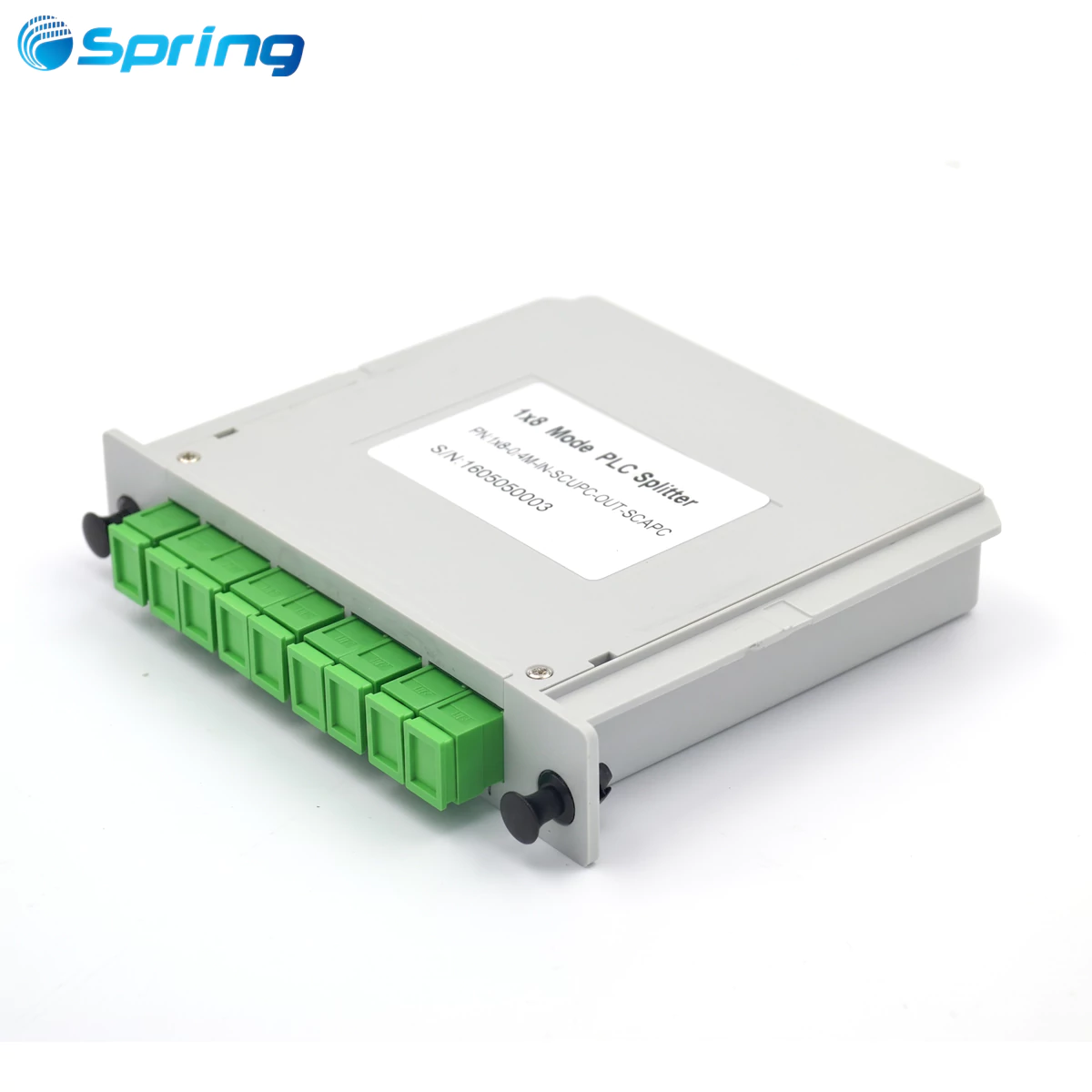
1× Cassette-type PLC Splitter (SC/APC)

Step-by-Step Procedure
1. Open the MODB operator module and remove blanking caps.
Fold the patch panel to the right after releasing the two anchor tabs.
Insert the SC adapters.

2. Insert the splitter into housing position (1, 2, or 3).
You will hear a "Click" when properly locked.

3. With the patch panel folded, connect the splitter outputs to the SC adapters.

4. Store excess splitter output length with the patch panel folded.
5. Guide the splitter input into splice trays through the fiber guides.

6. Mark and peel the splitter input to merge with the corresponding fiber cord.
7. Position splice sleeve, roll excess fiber around the storage disk, and deploy the extendable blades.


8. Fold trays to their rest position and secure with Velcro strip.
9. Close the box until the "Click" confirms proper closure.
6. Installing Patch Cords Between Modules

Open the right door of both modules and remove intermediate separation plates if needed.
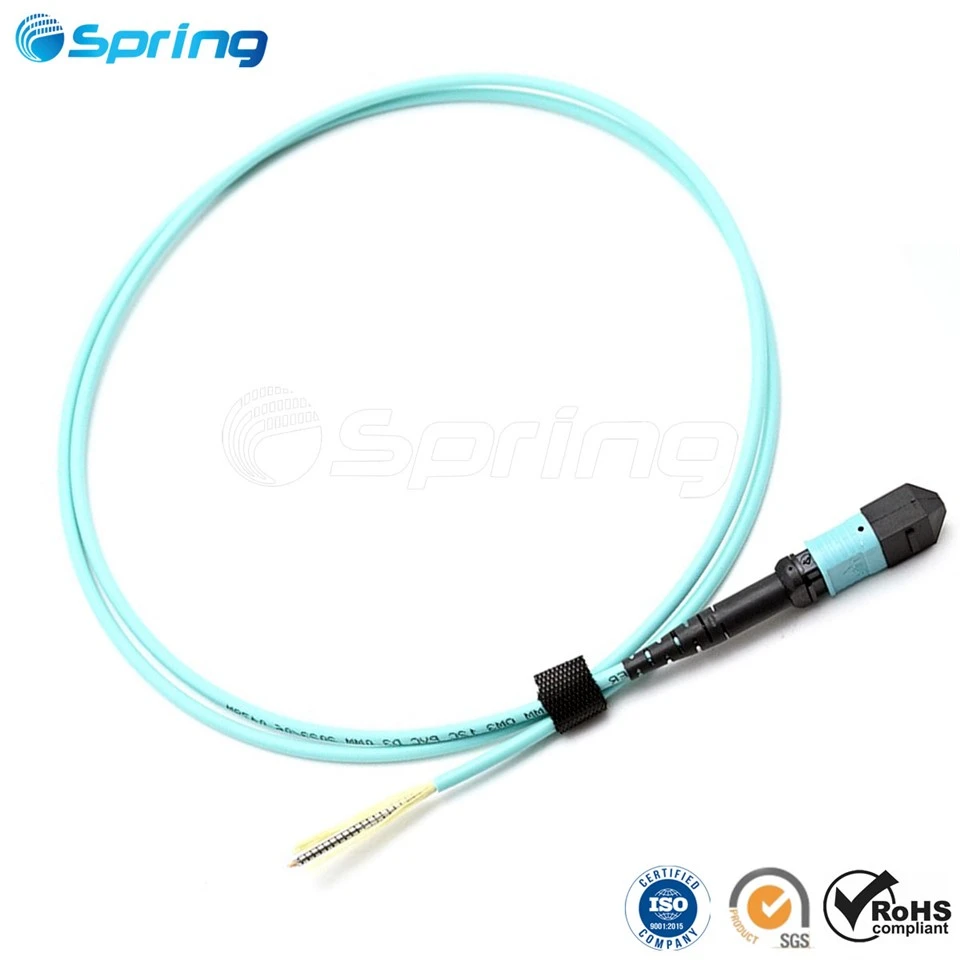
Connect the designated positions using SC–SC patch cords.
Insert the connector into the adapter and route patch cords through the fiber guides.
Note:
Fiber guides on the right side are reserved for routing patch cords between non-adjacent modules.
Conclusion
The MODB Multi Operator Distribution Box 48FO offers an engineered, operator-grade solution for multi-operator FTTH building infrastructures. This blog has provided the complete, unmodified installation workflow for:
Riser cable installation (building module)
Feeder cable installation (operator module)
Cassette-type PLC splitter installation
Patch cord deployment between modules
With accurate cable routing, secure fiber management, and standardized installation procedures, the MODB 48FO ensures reliable and scalable optical distribution in multi-operator environments.